🗄️ Create a Storage Pool
Storage pools are the foundation of all data storage in MOS.
They define how disks are grouped, how data is protected, and which filesystems are used.
Pools are required for:
- 📁 Shares
- 🐳 Docker storage
- 📦 LXC containers
- 💻 Virtual machines
- 📹Media and backup data
If you want to use ZFS, please take a look at the following section: ZFS
Example:
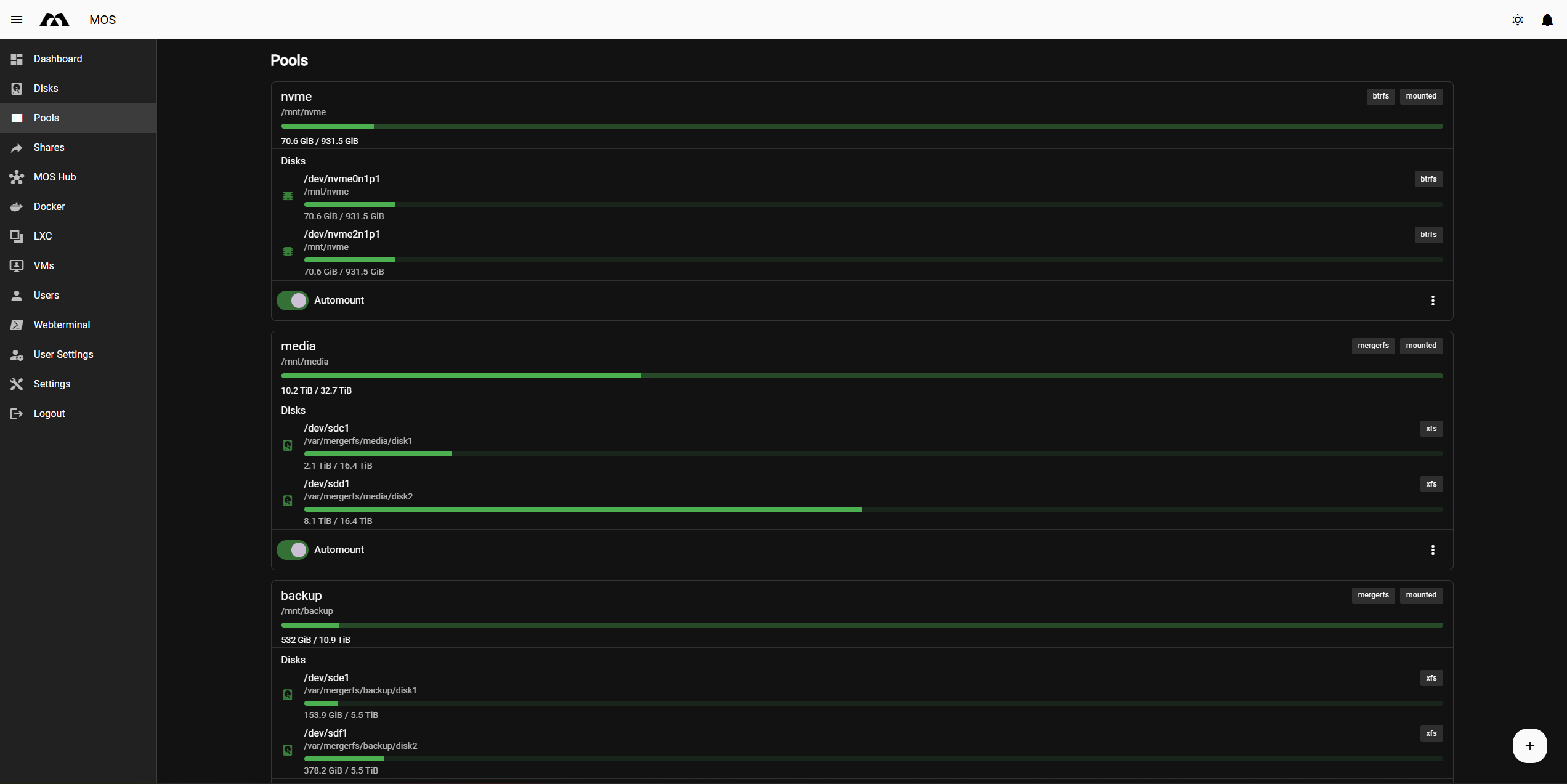
⚙️ Pool Configuration Fields
🏷️ Name
Defines the name of the storage pool.
Best practice:
- ✅ Use short, descriptive names
- ❌ Avoid spaces and special characters
Examples:
maindatamediabackup
🔄 Type
Defines how disks are organized within the pool.
Available pool types:
singlemultimergerfsnonraid(requires additional driver)
Each type serves a different use case and offers different levels of redundancy and flexibility.
🧩 Pool Types Explained
single
Uses a single disk without redundancy.
Characteristics:
- One disk per pool
- Maximum usable capacity
- No data protection
Use cases:
- Appdata
- Cache
- Downloads
- Media with external backups
Note: If the disk fails, data is lost. Backups are mandatory.
multi
Uses multiple disks combined into a RAID-based pool.
Characteristics:
- Multiple disks
- Data protection depending on RAID level
- Managed as a single pool
Available RAID levels:
raid0raid1raid5
📊 RAID Levels
raid0
Striping without redundancy
- Maximum performance and capacity
- No fault tolerance
Use case:
Temporary or non-critical data
raid1
Mirroring
- Data is mirrored across disks
- High data safety
- Reduced usable capacity
Use case:
Critical data, system pools, important shares
raid5
Parity-based protection
- Balance between capacity and redundancy
- One disk can fail without data loss
Use case:
General data storage, media libraries
🧩 mergerfs
Creates a pooled filesystem using multiple independent disks combined via mergerfs, optionally protected by SnapRAID.
Characteristics:
- Disks remain independent
- Flexible expansion
- Parity handled separately via SnapRAID
Requirements:
- One or more data disks
- Optional SnapRAID parity disk
Use cases:
- Media storage
- Large data pools with mixed disk sizes
- Home server and NAS setups
Filesystem recommendation:
xfsfor data disks
nonraid
Uses multiple independent disks without traditional RAID.
Characteristics:
- Each disk has its own filesystem
- Optional parity disk
- Flexible and simple disk management
⚠️ Important: The nonraid driver is not installed by default, after installing the driver you have to reboot.
Installation (via MOS Hub)
The NonRAID driver is not installed by default.
It must be installed as a plugin via the MOS Hub.
To install:
-
Open MOS Hub
-
Search for NonRAID Driver
-
Select the desired release
-
Click Install
-
Reboot the server
Use cases:
- Simple parity-based storage
- Easy disk replacement
- Home server setups
🖥️ Devices
Select the physical disks that will be assigned to the pool.
Notes:
- Selected disks may be formatted
- Existing data can be lost if formatting is enabled
Always verify disk selection carefully.
📦 Filesystem
Defines the filesystem used by the pool.
Available options:
xfsext4btrfsvfat
Filesystem Recommendations
- xfs – Recommended default for most pools
- ext4 – Simple and compatible, but less scalable
- btrfs – Required for advanced features like snapshots
- vfat – Only for removable or temporary storage
If you want to use ZFS, please take a look at the following section: ZFS
🛠️ Advanced Options
🔄 Automount
Automatically mounts the pool during system startup.
✅ Recommended: Enabled
🗑️ Format
Formats the selected disks during pool creation.
⚠️ Warning:
Enabling this option will permanently delete all data on the selected disks.
🔐 Encrypt
Enables disk encryption for the pool.
Notes:
- Increases data security
- Slight performance overhead
- Encryption key must be stored securely
✅ Summary
Choosing the correct pool type and filesystem is essential for a stable and reliable system.
Quick recommendations:
single + xfs→ Appdata, cache, downloadsmulti + raid1→ Critical datamulti + raid5→ General storagemergerfs + SnapRAID→ Media storagemergerfs + nonraid→ Flexible parity-based storage (driver required)
Plan your pool layout carefully before creating pools.
Parts of this documentation were created with the assistance of AI tools. All AI-generated content has undergone review, but it may still contain inaccuracies, omissions, or outdated information.