MOS Hub
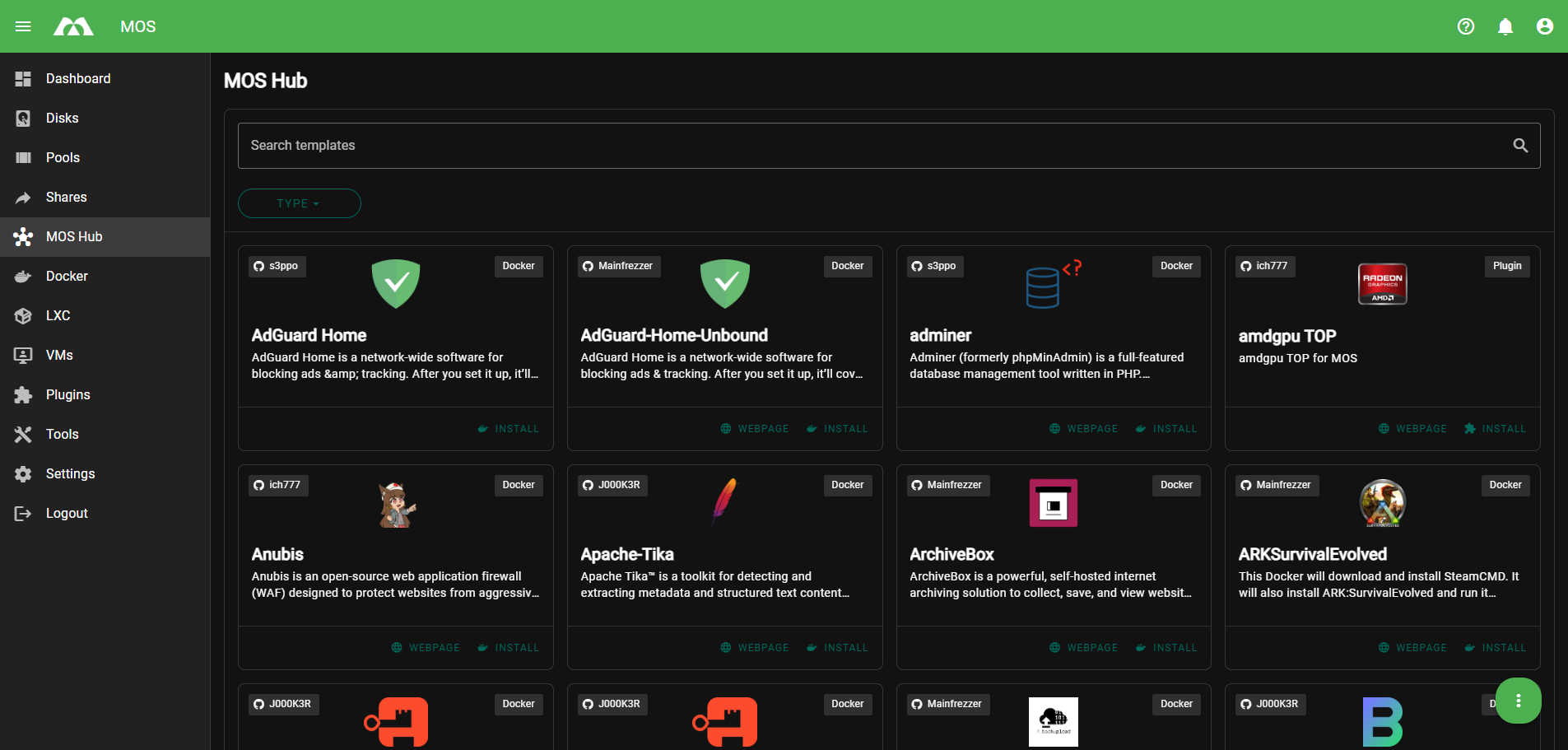
The MOS Hub is an integrated application hub that provides preconfigured Docker templates which can be deployed directly from the system interface.
It functions as an internal app store, simplifying the installation and management of containerized applications.
The MOS Hub Settings menu is located under:
Settings → System Configuration → MOS Hub Settings
Here you can enable or disable the MOS Hub, control update behavior, and define the update schedule.
Example:
MOS Hub Configuration Options
Enable MOS Hub
Enables or disables the integrated MOS Hub.
Initial Update
Controls whether the MOS Hub and its repositories are automatically refreshed when a new user session is started.
A new session includes events such as:
- User login
- Opening a new web UI session
When enabled:
- The MOS Hub repositories are reloaded at the start of each new session
- Template lists and metadata are refreshed automatically
- Ensures the UI always reflects the latest available hub state
When disabled:
- No automatic reload is performed on session start
- Repository data is only updated via the scheduled update task
Use cases:
- Enable for frequently changing repositories
- Disable for bandwidth-restricted or offline environments
Recommended: Enabled
Update Schedule
Defines when the MOS Hub is automatically updated.
The schedule uses standard cron syntax.
Default value:
15 7 * * *
This means:
- Every day at 07:15
Purpose of scheduled updates:
- Fetch new Docker templates
- Update existing template definitions
- Apply metadata and compatibility updates
Best practices:
- Use a fixed daily schedule
- Choose off-peak hours
- Avoid very frequent update intervals
Operational Notes
- Updates only run if the MOS Hub is enabled
- Scheduled updates do not interrupt running containers
- Network connectivity is required for updates to succeed
Summary
The MOS Hub Settings allow you to control how and when the integrated application hub operates.
Key points:
- Enable or disable the MOS Hub globally
- Perform an initial update on first use
- Define a daily update schedule using cron syntax
- Keeps Docker templates up to date and ready for deployment
Proper configuration ensures a reliable and up-to-date application ecosystem within MOS.
Parts of this documentation were created with the assistance of AI tools. All AI-generated content has undergone review, but it may still contain inaccuracies, omissions, or outdated information.